

Introducing the Accessible Tech Challenge (Spring 2026)
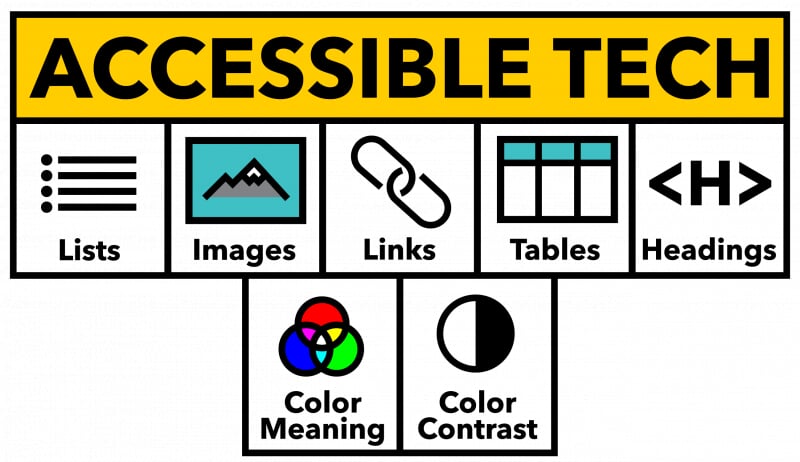
The Accessible Tech Challenge encourages Michigan Tech instructors to learn about and use the essential elements of accessible content pages, documents and presentations. Five core essentials focus on structure and clarity—how headings, lists, links, images, and tables are used. Two color checks address common barriers around contrast and relying only on color to convey meaning. We call these the 5+2 core elements.
You don’t need advanced skills or big redesigns to use these elements—they’re simple steps that can make a big difference in making your course materials accessible. Incorporating them into your regular creation workflows in Word, Google Docs, PowerPoint and Canvas content pages will help ensure that your course materials work better for everyone, even those learners that may have a disability that requires them to use assistive technology.
How the Challenge Works
All active Michigan Tech instructors can participate in the challenge. Instructors will be asked to complete the Accessible Tech Challenge form to join the challenge. On the official start date for the challenge (Monday, January 26) the CTL team will record the Ally accessibility score for the Canvas course indicated by the instructor on the form. About every two weeks during the semester the CTL will share information about how to implement a specific technique to make course materials accessible. The CTL will also host an Accessible Tech Challenge working session where we will introduce one of the 5+2 core elements and have time to answer questions and consult with instructors on any accessibility issues they may have with their course instructional materials.
Challenge Goal
All participating instructors that achieve an 85% or higher Ally accessibility score at the end of the challenge (Monday, April 13) will receive an official Accessible Tech YETI tumbler as recognition for their efforts to improve the accessibility and usability of their course materials.
Preparing for the Challenge
There are a few best practices we recommend you complete in your Canvas course before the challenge begins. These practices will help prepare your course to start the challenge activities.
Importing Content
Be thoughtful when importing course materials from a previously taught course. If you only import content you will be sharing with your students (and not other unused legacy content) you will likely have less content with accessibility errors that will require work to correct. Canvas allows you to identify specific items to import from all the various content types, like files, pages, assignments, discussions, quizzes, etc. You can also remove or update the legacy dates on the content while importing them. This is a great way to avoid potential confusion and questions from your students if they see an old due date from a previous semester. Make sure you check the resource at the bottom of this page to learn more about how to import content into your Canvas course.
Use TidyUP to identify and remove unneeded content
TidyUP is a great utility tool available to all instructors directly in Canvas, making it easy to identify and remove unused, duplicate, and outdated content and files. Using TidyUP first can help simplify your accessibility work by not wasting time fixing content not available to your students. View this short TidyUP video and visit the TidyUP resource page available below.
Resources
- Importing specific content into a Canvas course (Canvas resource page)
- TidyUP Resource page (Cidilabs resource page)
- TidyUp User Guide