

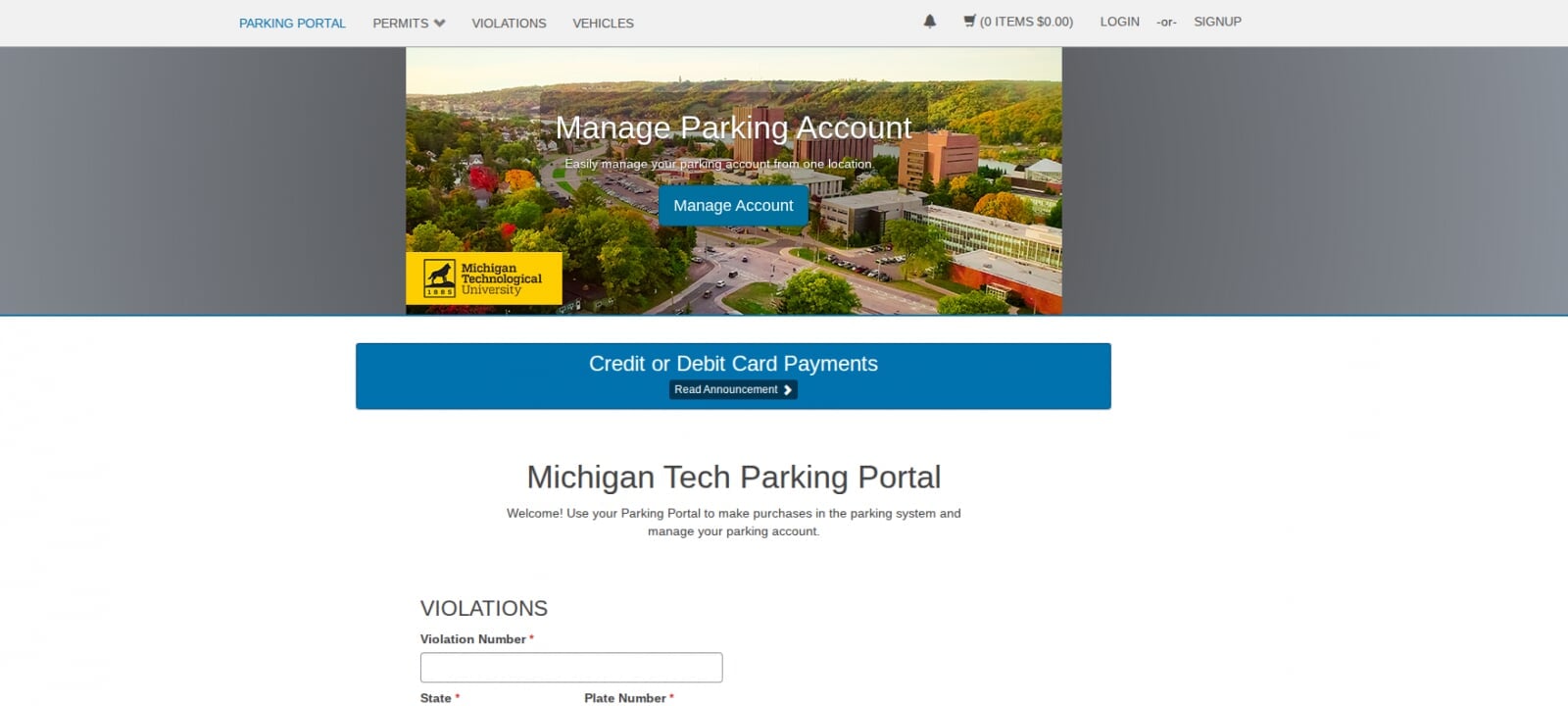
The Michigan Tech Parking Portal is your one-stop for all online parking resources.
The Parking Portal allows users to participate in the Application Process, purchase student permits, purchase visitor permits, pay or appeal outstanding parking citations, view letters that were emailed to you, as well as update your vehicle information.
Parking Portal Tips
There are two ways to log-in to the Parking Portal:
- With Michigan Tech User ID (minus the @mtu.edu) and Michigan Tech SSO password
- Michigan Tech users cannot reset their password
- Visitor email address and password
- Visitors can reset their password by following the prompts
Payment by credit card is accepted
- You must enter the address where your card was mailed to in order for the transaction to be approved
First and Second-Level Appeals are to be filed online only in the Parking Portal. (Appeals are not reviewed in person)
First Level Appeal
- Must be filed within 10-business days of the issue date on your citation
Second Level Appeal
- Must be filed within 10-business days of your first-level determination letter
If you would like to add any attachments or additional information to your appeal, email it to parking@mtu.edu
Please allow up to 2-3 business days for your appeal to be reviewed
At times, if you remain logged into the Parking Portal for an extended period without activity, the system may prevent you from adding items to your cart or proceeding to checkout
If this occurs, log out of the portal and wait approximately 30 to 45 minutes before logging back in. This typically resolves the issue
Adding or Updating
If you purchased a new vehicle or received an updated license plate, you will need to add it as a new vehicle - even if it's the same vehicle, you cannot edit an existing vehicle.
If you go to add your new vehicle and the system displays an error that the vehicle is already in the system, the vehicle is typically registered to someone else or it may have an outstanding citation assigned to it. Contact parking@mtu.edu if this occurs
Removing
Only Transportation Services staff can remove a vehicle. Please contact parking@mtu.edu to remove a vehicle from your account
Faculty and Staff
Once an employee updates their vehicle, their active parking permit will automatically link
Students and Visitors
As a verification process, only Transportation Services staff can link a permit to a student or visitor's updated vehicle. Please contact parking@mtu.edu to have your updated vehicle linked to your active permit
Unlinking
Only Transportation Services staff can remove a vehicle from a permit. Please contact parking@mtu.edu to have a permit unlinked from a vehicle
Visitor permits purchased online on the Parking Portal are required to be printed off and displayed on the driver side dashboard.
If you don't have access to a printer you can stop by Transportation Services in the Administration Building during regular office hours or if after hours, Public Safety in the Meese Center where either can print the permit off for you.
Application Process
The Residential and Guaranteed Commuter Application Process for 2026-2027 will open on Monday, July 13, 2026 at 8:00 AM EST. The last day to sign up for the Application Process is Thursday, July 30, 2026. Lots will be awarded on Friday, July 31, 2026. Emails will be going out to Residential and Commuter students with information on signing up for the Application Process.
Students seeking a permit by joining the Application Process should familiarize themselves with the criteria used for permit assignment.
- The priority is first determined by Earned Credit Hours
- In the event of identical earned credit hours, the secondary determining factor is the Time in which students joined the Application Process, with priority given to those who signed up closest to the time the Application Process opened.
- Once the Application Process closes and a student either didn't sign up for this process or they were granted a lot assignment but they didn't purchase their permit in time, permits are then issued first-come first-serve based upon availability.