
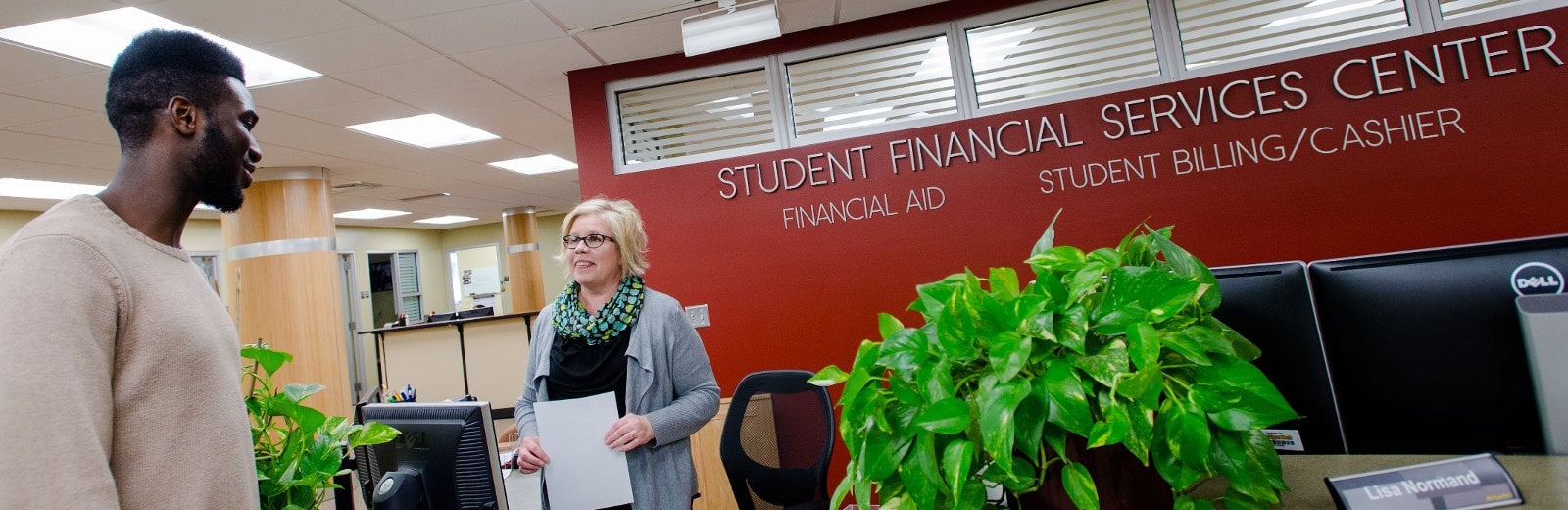
The Student Billing and Cashiers Office provides information on your bill (including how and when to pay it), refunds, financial holds, and cashier services. Our offices are located in the Student Financial Services Center, on the first floor of the Administration Building.
Student Billing Account Services
Cost of Attendance
Calculate tuition and fees.
Important Dates
View the schedule of bill availability and due dates.
Payment Plans
Budget your payments with installment or semester plans.
Refunds
Find out how refunds work and when they're credited to your account.
Tax Benefits
Learn about the tax credit eligibility.
Student Billing FAQs
Guest Access
Student records are confidential (see FERPA information). If you want to pay a bill on behalf of a student, the student can give you Guest Access: see below for instructions. Contact the Registrar's Office if you have any questions about granting account access.
To Pay or View Your Student's Bill with Guest Access
- Log in.
- Click the Guest Access card.
- Click the Guest Access link.
- Click the Guest Access tab in the gray bar.
- Click the Accounting-View/Pay Bill link under the Pages authorized by student drop down to view the student bill and make a payment.
Manage Student Bills in Experience
- View and pay your bill.
- Authorize a parent/payer to view and pay your bill.
- Enroll in direct deposit.
- Print your 1098-T form.
- Update your address.
- Confirm your enrollment.
- Log in to your account.