
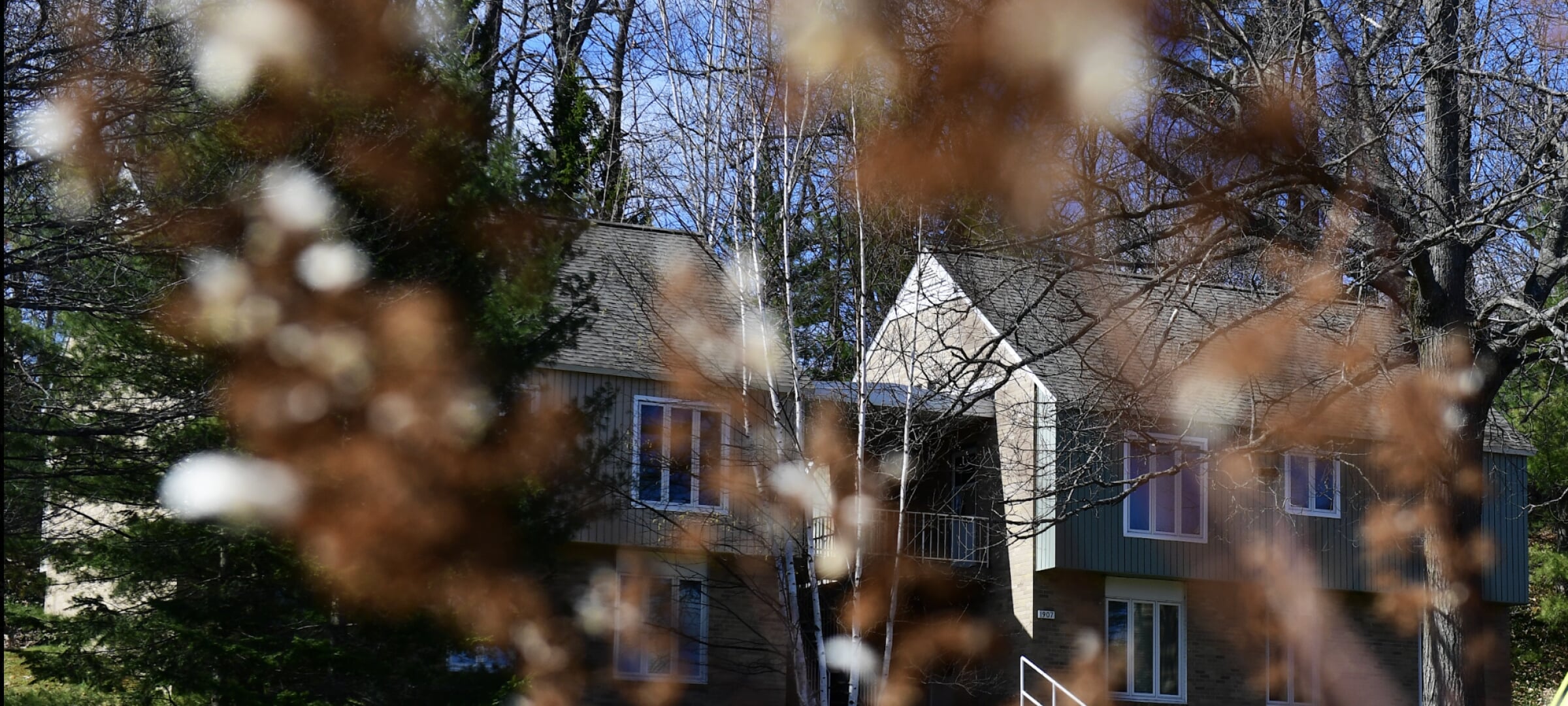

Michigan Tech Housing offers quality, convenient student apartments at rates competitive with the Houghton community. Rent is charged per apartment, not per person, and begins on the first day of your contract. Payments are due and
posted to your student account on the first of each month via your Experience portal. Be sure to pay on time, as a late charge will be assessed after the
due date.
To pay your rent, log into your Expereince portal or select the "Pay Rent" portal button in the right sidebar.
How to Pay an
Apartment Deposit
To pay the deposit, please follow the instructions below.
Step 1.
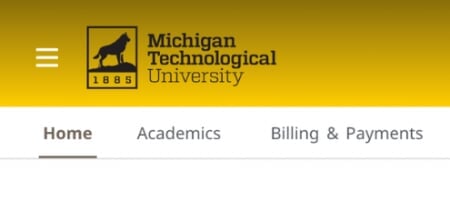
When you log in to Experience, look for and click on the tab labeled
"Billing & Payments."
Step 2.
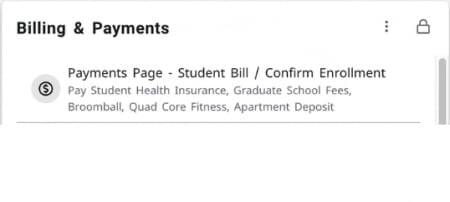
Then select "Payments Page - Student Bill/Confirm Enrollment."
Step 3.
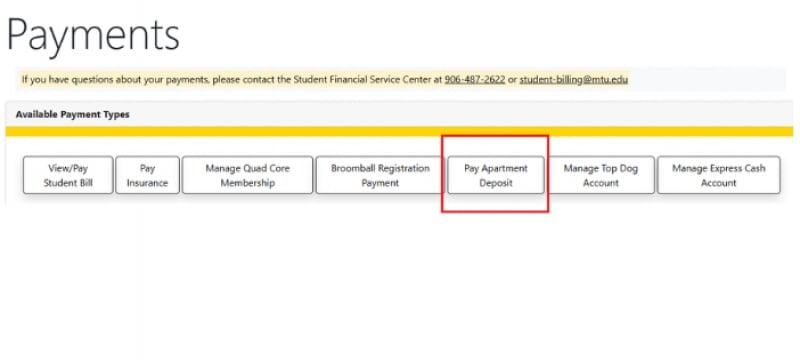
On the Payments page, locate the tab (like the ones in the image below) for "Pay Apartment Deposit." Click on this tab to proceed with your payment. If for any reason you do not see this tab, please reach out to Student Financial Services directly at 906-487-2622 or at student-billing@mtu.edu as they can assist you further with billing inquiries.
Please contact Ashley DeVoge, the Assistant Director of Housing Operations and Indepentdent Living, if you have further questions.