

Introduction
To support student success and provide a learning environment accessible to everyone, Michigan Tech has adopted UDOIT (pronounced "you do it"), the accessibility tool in Canvas that helps instructors identify and address accessibility barriers in their courses. UDOIT has replaced the Ally tool which was previously available in Canvas. UDOIT scans Canvas content, uploaded documents and resource links to provide a course-level view of accessibility issues and help instructors prioritize their work.
UDOIT also provides guidance to help instructors understand and fix accessibility issues. The tool explains why issues matter and offers practical suggestions for making improvements. Instructors can use filters to focus on high-impact issues, target specific types of content, or review files currently being used in the course. UDOIT also supports efficient remediation workflows, including options to convert some documents into accessible Canvas Pages, replace files where they appear in a course, and track accessibility progress over time.
Alternative formats for learners
UDOIT includes an alternative formats feature that allows students to access supported course files in different formats. Depending on the original file, students may be able to request formats such as HTML, ePub, audio MP3, text, or optimized PDF. These options can support a range of learning needs and preferences, including listening to content, reading on mobile devices or eReaders, adjusting text display, or using assistive technologies.
Alternative formats are helpful, but they should be considered a supplement to accessible primary course materials. A poorly structured source file will produce a less useful alternative format. Instructors should continue to use UDOIT’s accessibility feedback to improve the original Canvas content and course files, while alternative formats can provide students with additional flexibility in how they access materials.
How UDOIT works

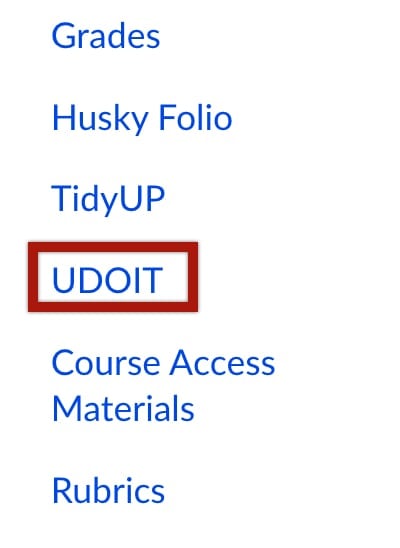
To get started, open your Canvas course and select UDOIT from the left course navigation menu (not visible to students).
This will open your UDOIT dashboard (you will have to authorize UDOIT the first time you access it). You can run a course scan to review accessibility issues in your Canvas content and course files. After the scan is complete, review the results summary on the UDOIT home page (below) to get a sense of the overall accessibility of your course.
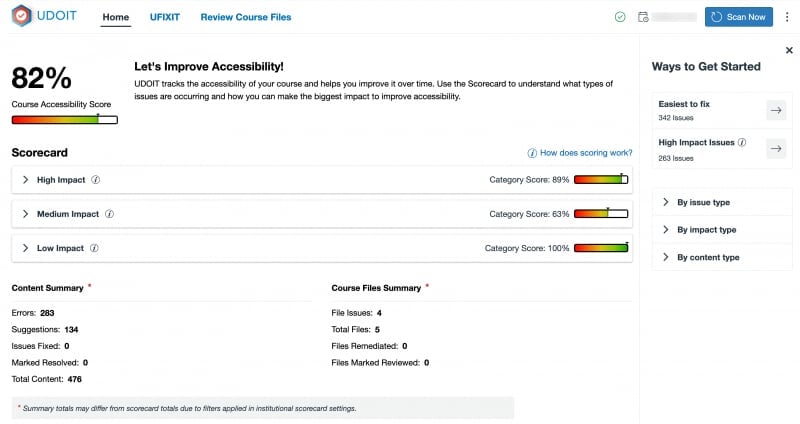
Here's an overview of the key UDOIT home page features:
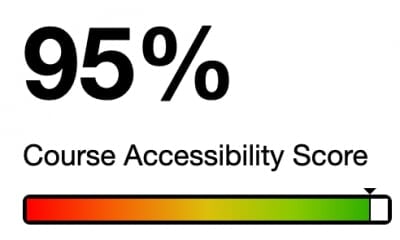
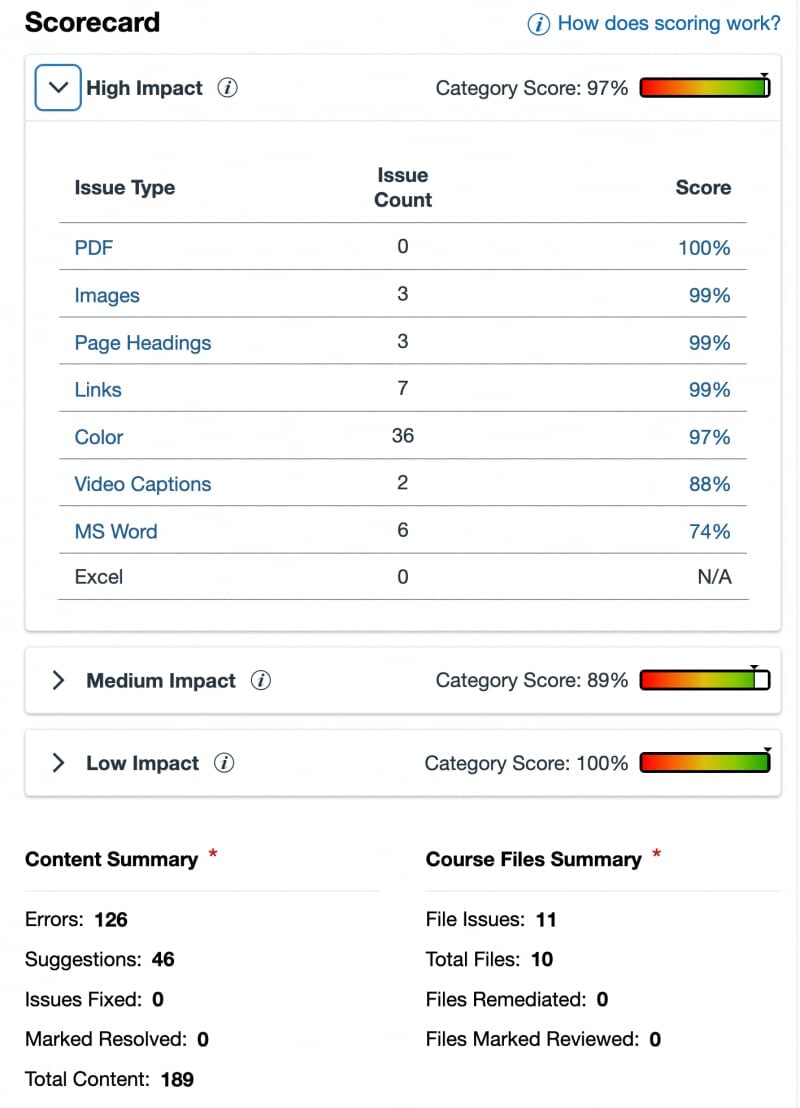
The Course Accessibility Score is a weighted quantitative measure of how accessible your course content is (learn more about UDOIT scoring). Below this you can review the Scorecard to see how individual issues are weighted and scored based on impact level. Expand these impact level groups to learn what course content is included in each section. The Scorecard also provides a summary of Canvas content items and files found in the course.
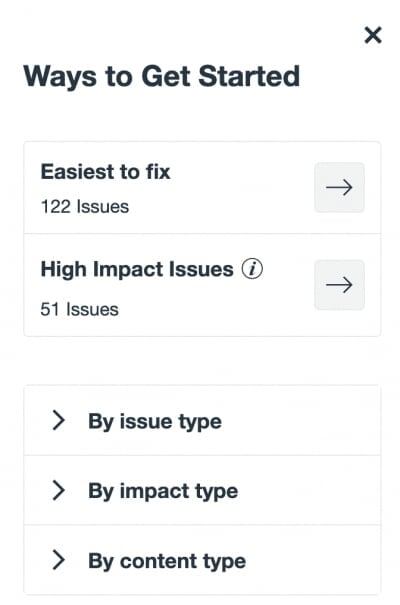
To help prioritize improvements review the "Ways to Get Started" panel. It provides options to address easy to fix content or high-impact issues in the course.
Each result includes guidance to help you understand the issue and take steps to correct it. As you make updates, you can rescan the course to confirm improvements and continue tracking your progress over time.